AI in Jot
AI that works for you — on your key.
Jot's AI is optional, provider-agnostic, and runs on a key you bring. No markup, no lock-in, and Jot never trains on your notes — they go only to the provider you choose. It helps with the writing; it never does the thinking for you.
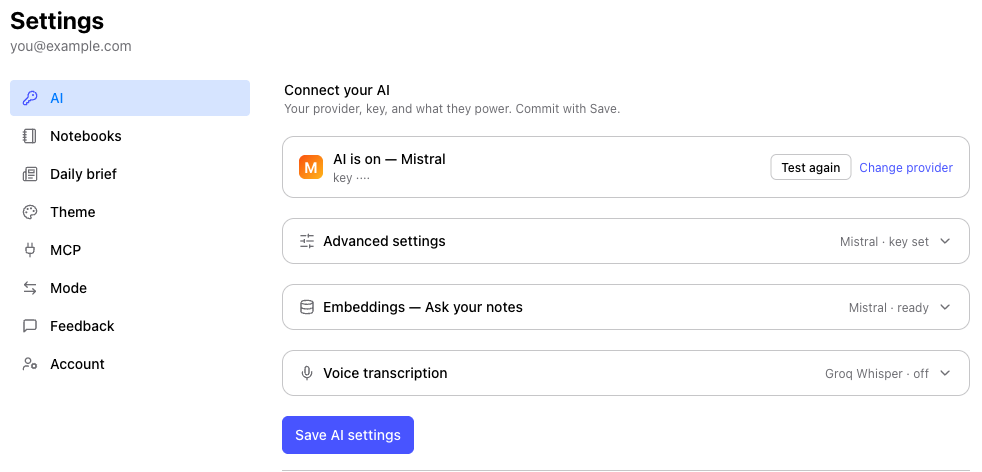
Bring your own key
You choose the provider and control the cost. Most have a generous free tier, and Jot picks
sensible model defaults so there's nothing to tune. Your key is stored encrypted and used only
by your account — and everything non-AI (writing, [[links]], #tags,
the graph, your daily to-dos) works with no key at all.
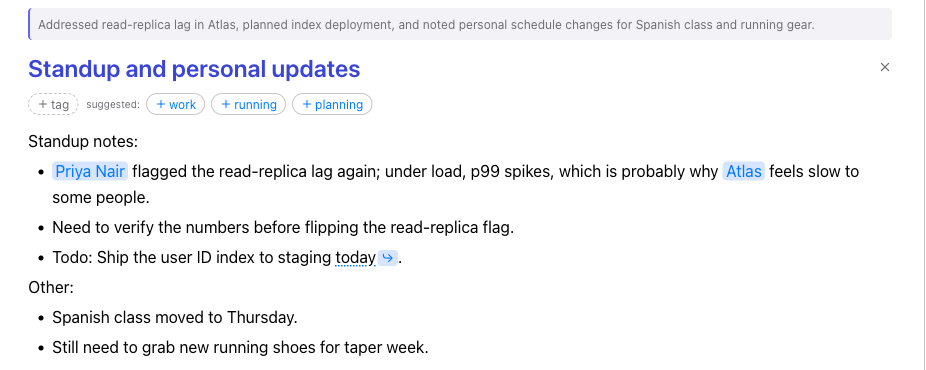
Refine — your voice, cleaned up
Tap the ✨ wand and a rushed note becomes clear prose — same facts, your tone. You see the
before and after and decide what to keep; a single Undo restores the original. Refine
can also tidy structure, add a short summary, and turn the people and projects you mention into
[[links]].

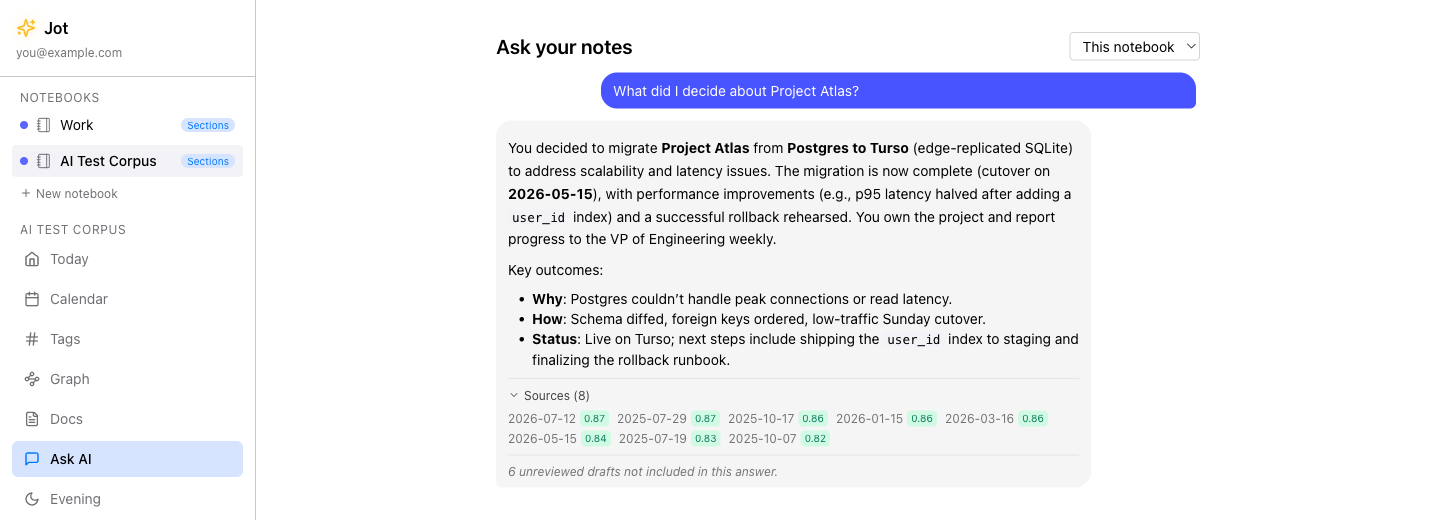
Ask your own notes
Ask a question in plain language and Jot searches everything you've written, then answers with citations back to the exact notes — so you can trust it and click through. It reads only the notes you've marked reviewed; drafts stay private and out of the answer. Your words, your context, not the open internet.
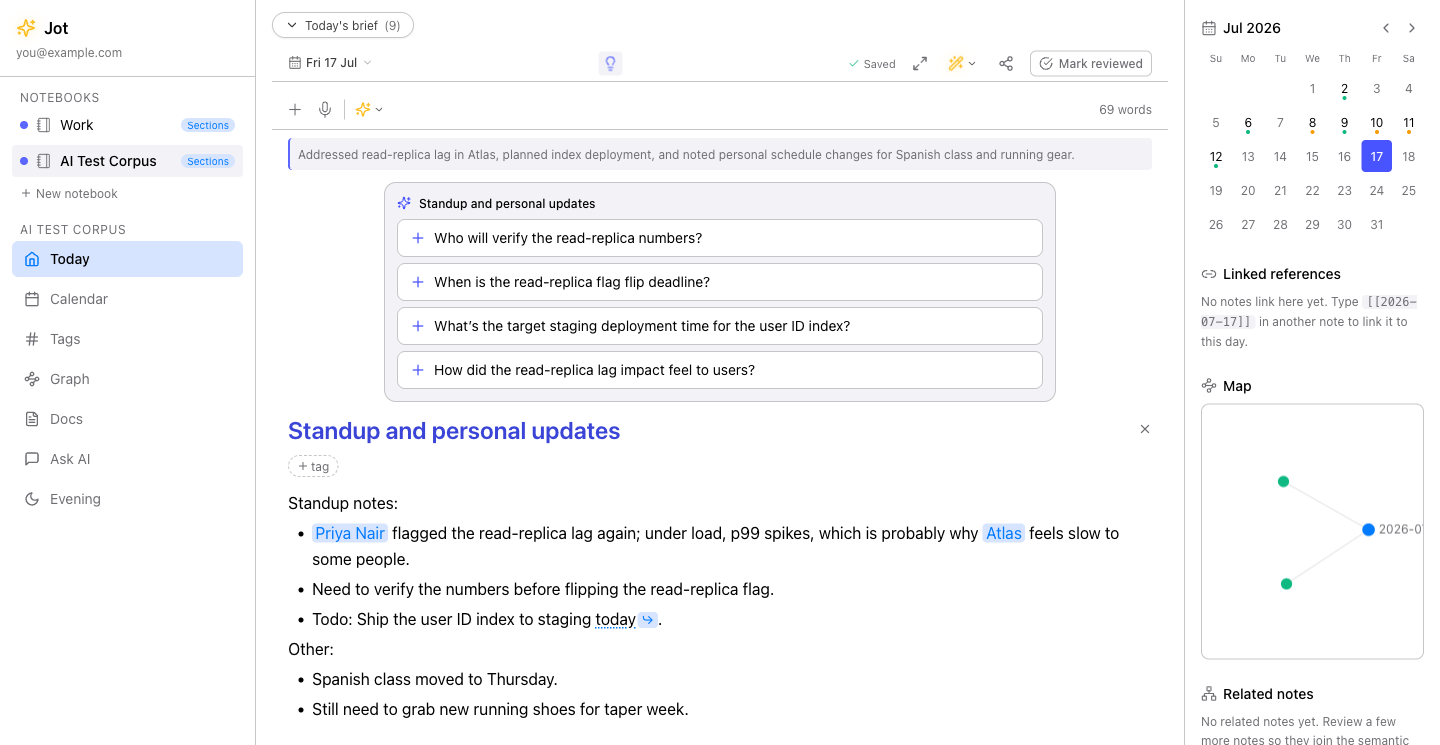
An idea, when you need one
One idea icon that adapts to where you are. On a blank note it offers a few prompts to start, tuned to how you use Jot. Once you've written, it flips to "anything missing?" — context-aware questions drawn from what you just wrote, so you catch the gaps before you file. Fold any suggestion in with a tap, or ignore the rest.
It learns how you like it
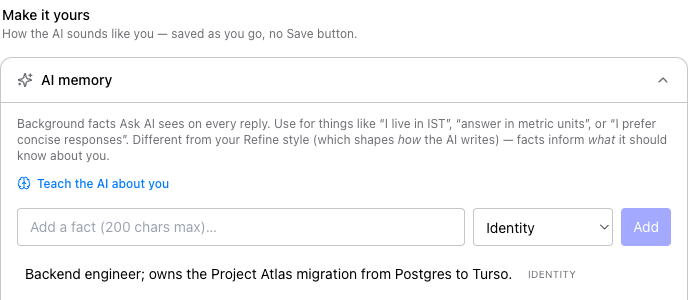
Teach Jot a few background facts — "I live in IST", "answer in metric units", "I prefer concise responses" — and it keeps them in mind on every reply. That's separate from your Refine style, which shapes how the writing sounds. Facts inform what the AI knows; style shapes the voice. Together they make the AI feel like yours, not a generic assistant.
Connect it to your AI tools (MCP)
Cloud mode can open your notes to Claude Desktop, Cursor, and other MCP clients — so you can search and read your notes, documents, tags, and daily brief straight from the AI tool you already use. You mint a scoped access token in Settings → MCP (and revoke it anytime), and Jot generates the exact bridge config to paste in. It's read-and-query focused, and — like everything server-side — it's a Cloud-mode feature.
And a few more
Try it on your own notes.
Add a free key in a minute — Mistral or Groq — and turn on Refine and Ask. Or start with no key at all.