Understanding that puts you in command
Anyone can use AI.
Few can direct it.
Noesa builds the real, hands-on understanding that puts you in command of AI — a few minutes a day — until you direct it instead of hoping it worked. Follow one of twenty ready-made courses, grouped into five guided paths, or turn any book into your own: one bite-sized lesson a day, with recall, spaced review, and labs you run right in the browser. Free to start, on your own AI key or ours.
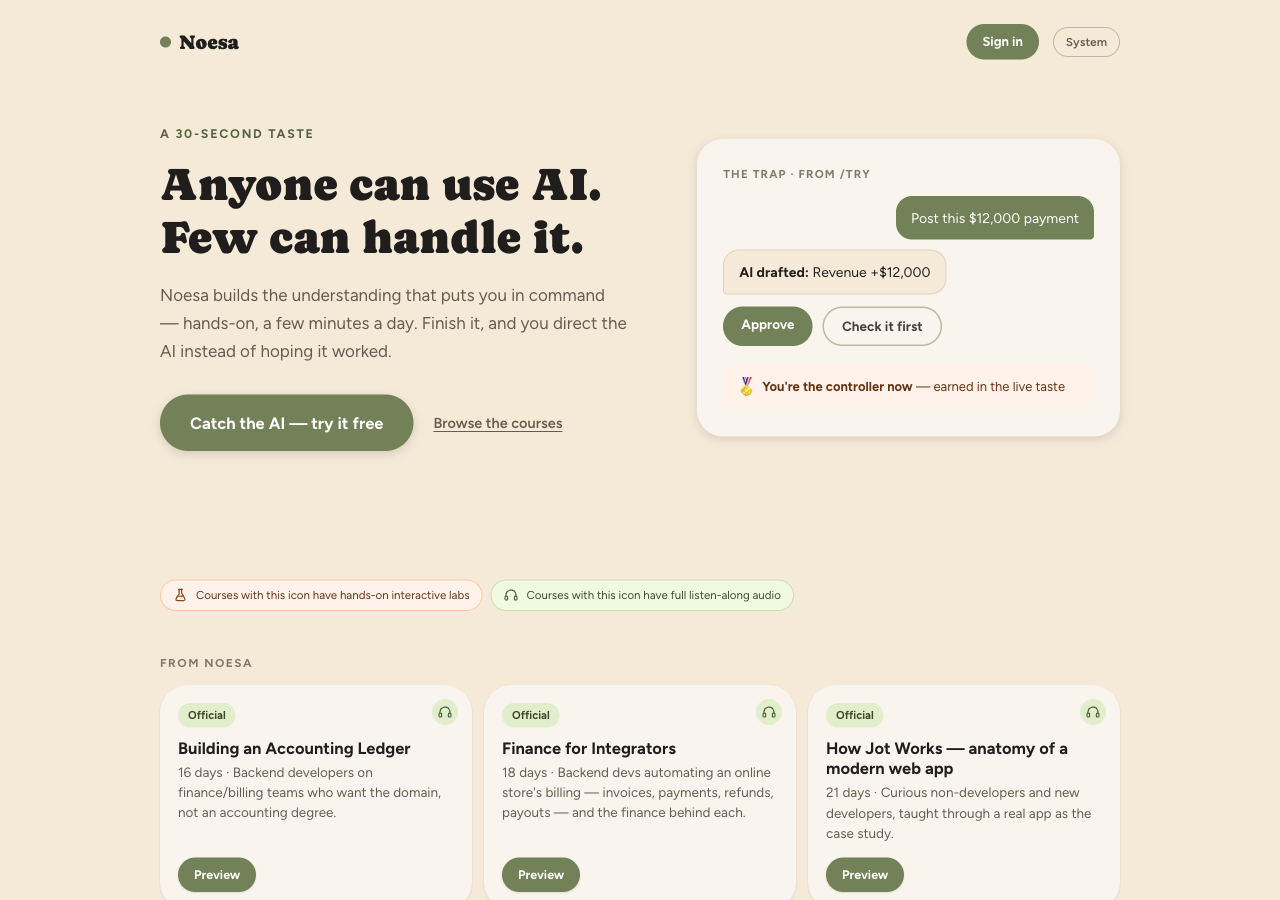
A day in Noesa
Five paths, so you know where to start.
A list of twenty courses is a decision, not a plan. Noesa groups them into five guided paths — Software Product, Business of Software, Developer Foundations, Working with AI, and Personal Finance — each an ordered trail with a suggested first step. The order is advisory, never a lock: every course shows its own state, so you can start anywhere. Prefer to browse? All courses lists the lot, filtered by topic, by hands-on labs, or by listen-along audio — and courses still being written show as dashed steps you can request.
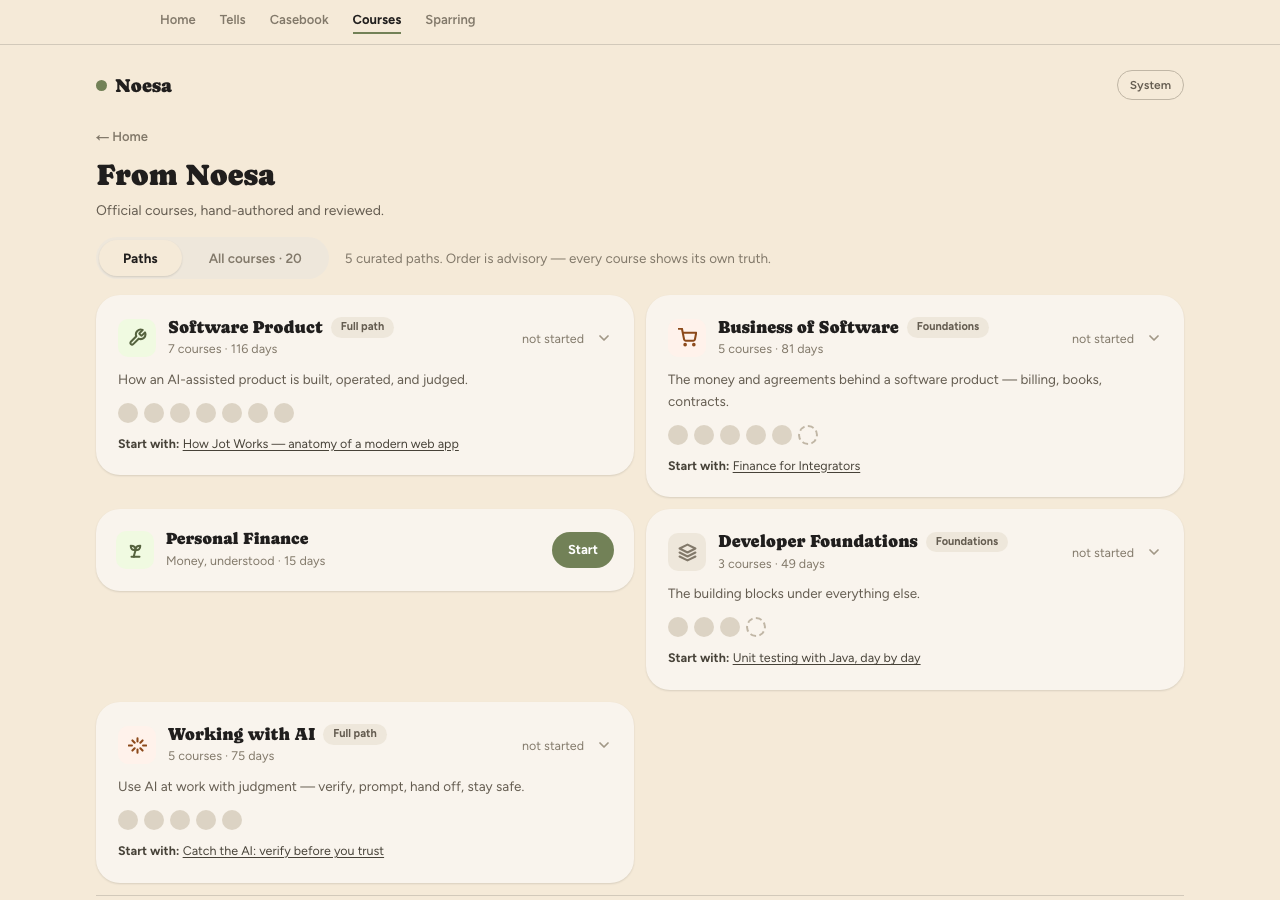
Each path names its first step; dashed dots are courses still being written.
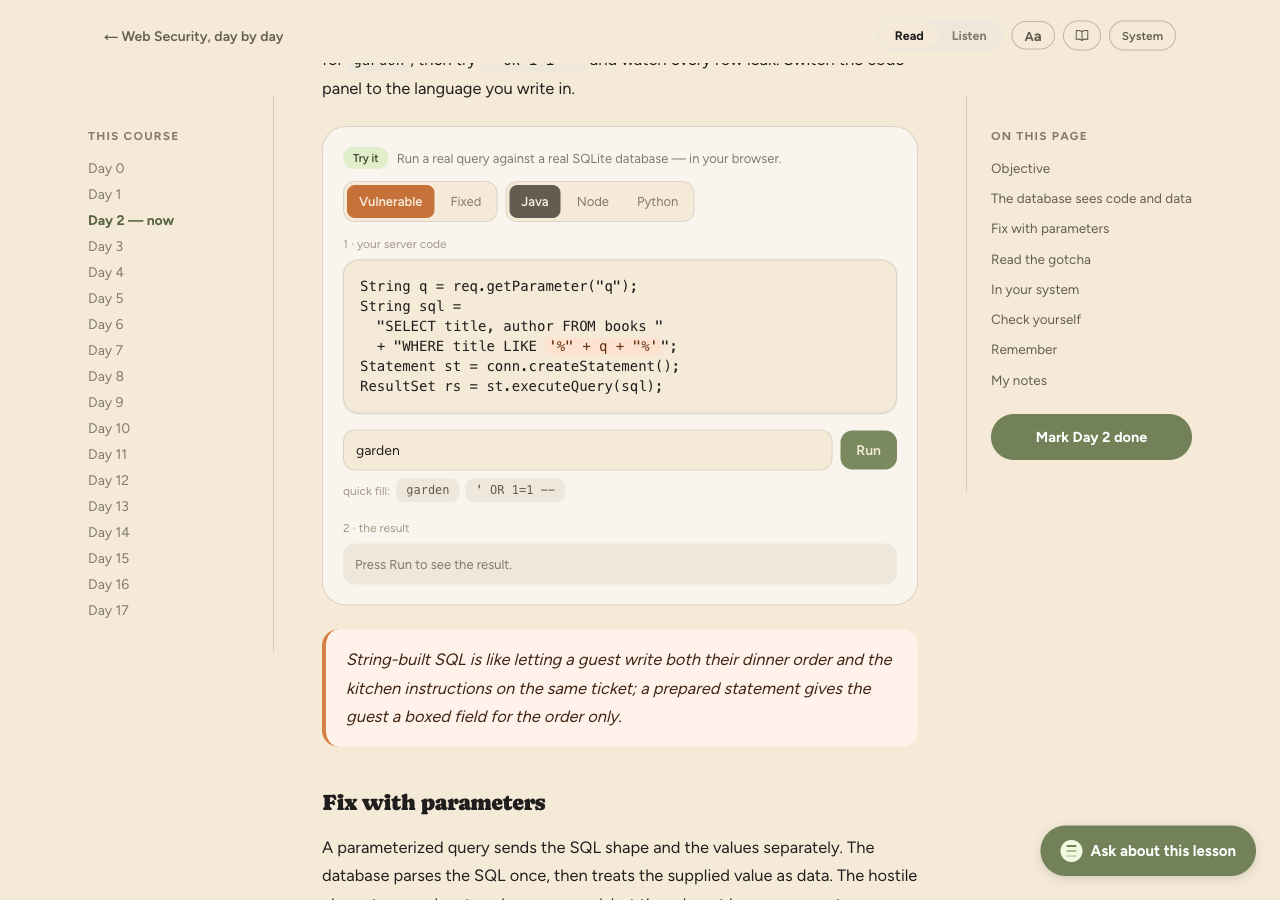
Learn by doing — real labs, zero setup.
The part that sets Noesa apart: some lessons hand you a real, hands-on exercise that runs in the browser with nothing to install, on phone or laptop. Run a SQL-injection lab against a real SQLite database, watch an XSS payload fire inside a sandboxed iframe, or try queries in an editable SQL playground. It's not a video and it's not a sandbox you set up — it's live, right in the lesson.
Listen on the go. Present to a room.
Short on screen time? Listen mode plays each day as a two-host audio broadcast — a guide and a hands-on host talking the lesson through — so you can learn while you walk or commute. And when you want to teach a course to others, present mode turns it into a live slide deck you can run in front of a room and share as a public link.
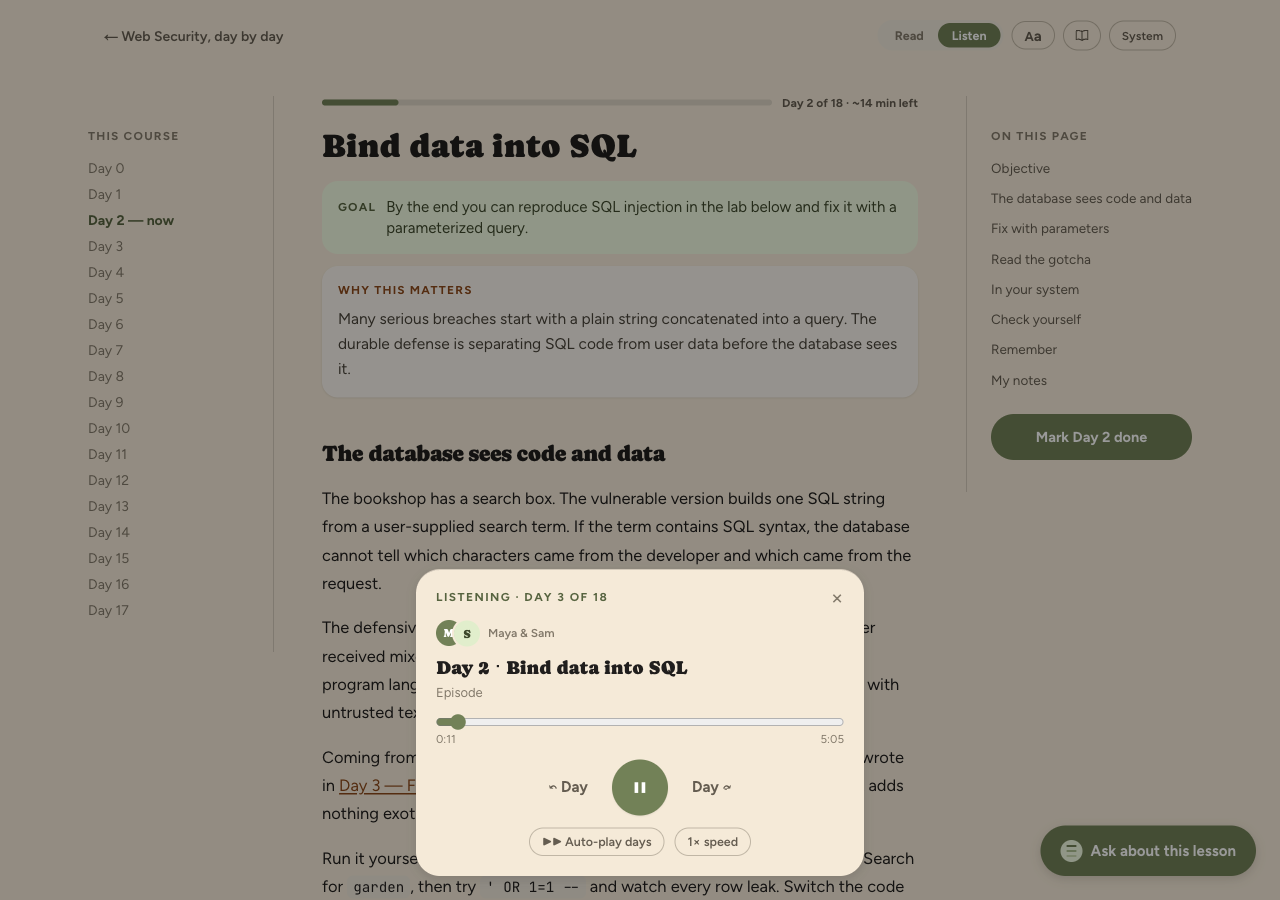
Listen mode — the day as a two-host audio broadcast, for learning on the go.
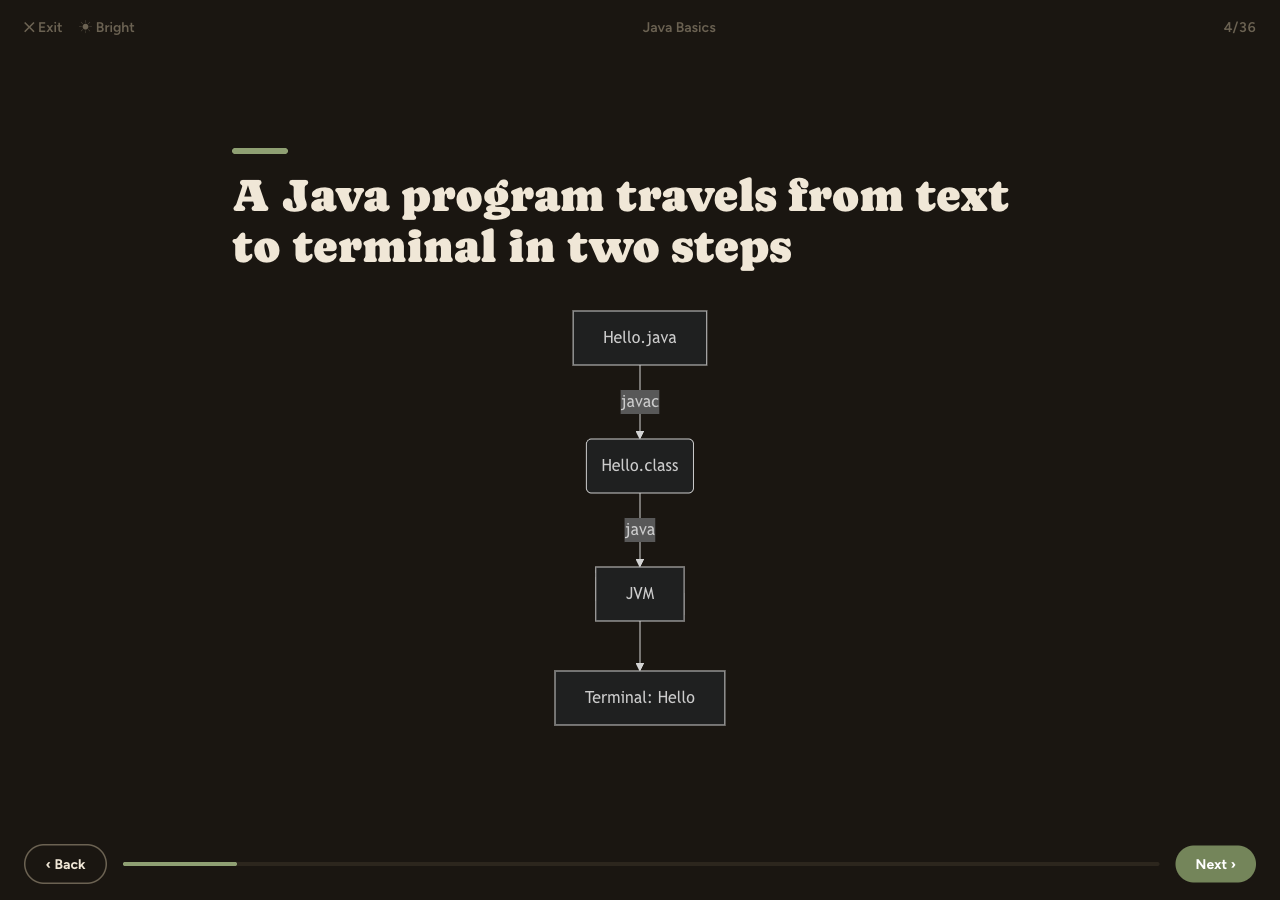
Present mode — teach the whole course as a full-screen deck, one idea per slide.
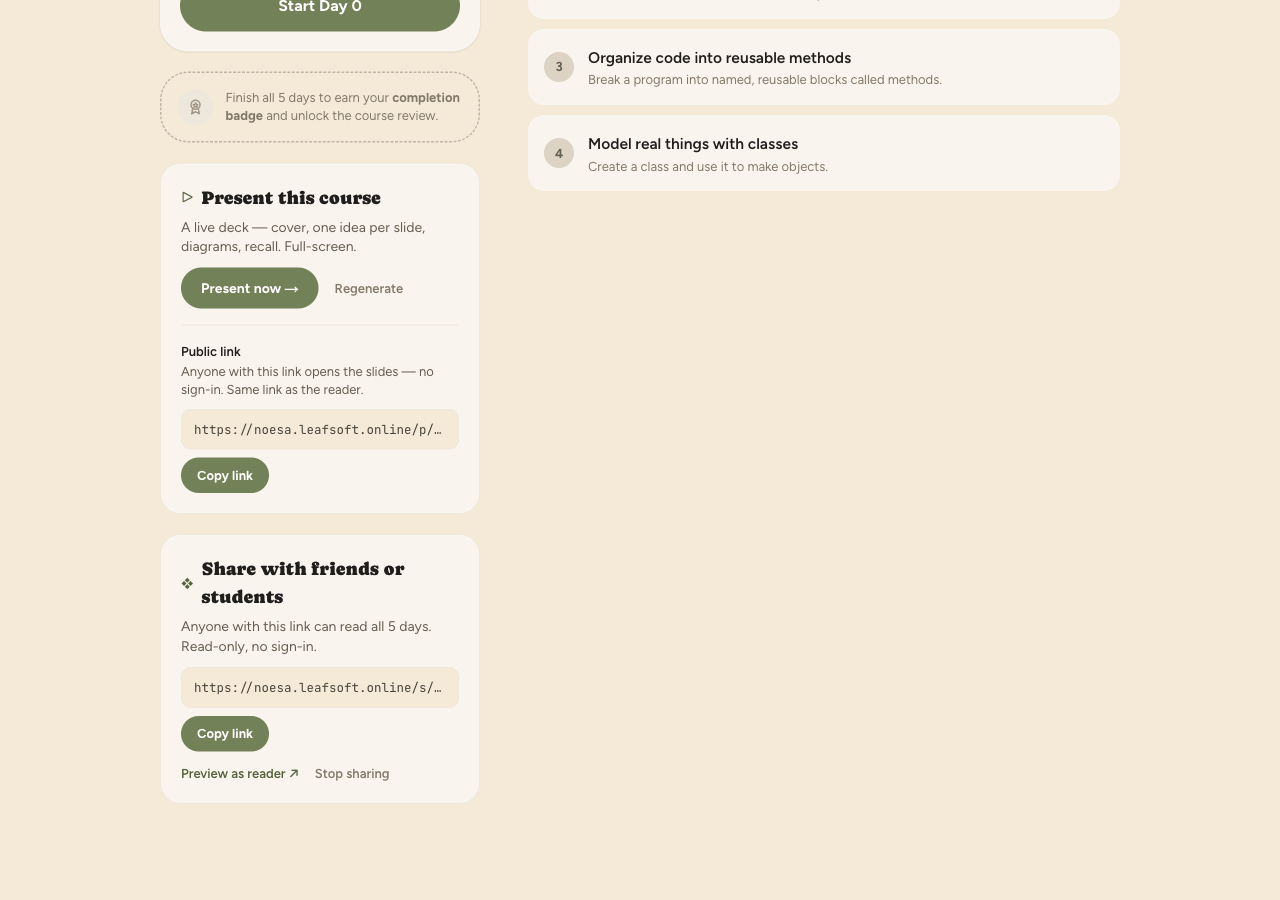
One public link opens the slides or the read-along — no sign-in to view.
Built so it actually sticks.
Reading something once feels like learning, then it's gone by the weekend. Noesa is built around the opposite: every day ends with recall questions that make you retrieve the idea, and earlier days come back on a spaced-review schedule so the important bits resurface just as you'd start to forget. Streaks and a completion badge keep the daily habit going.
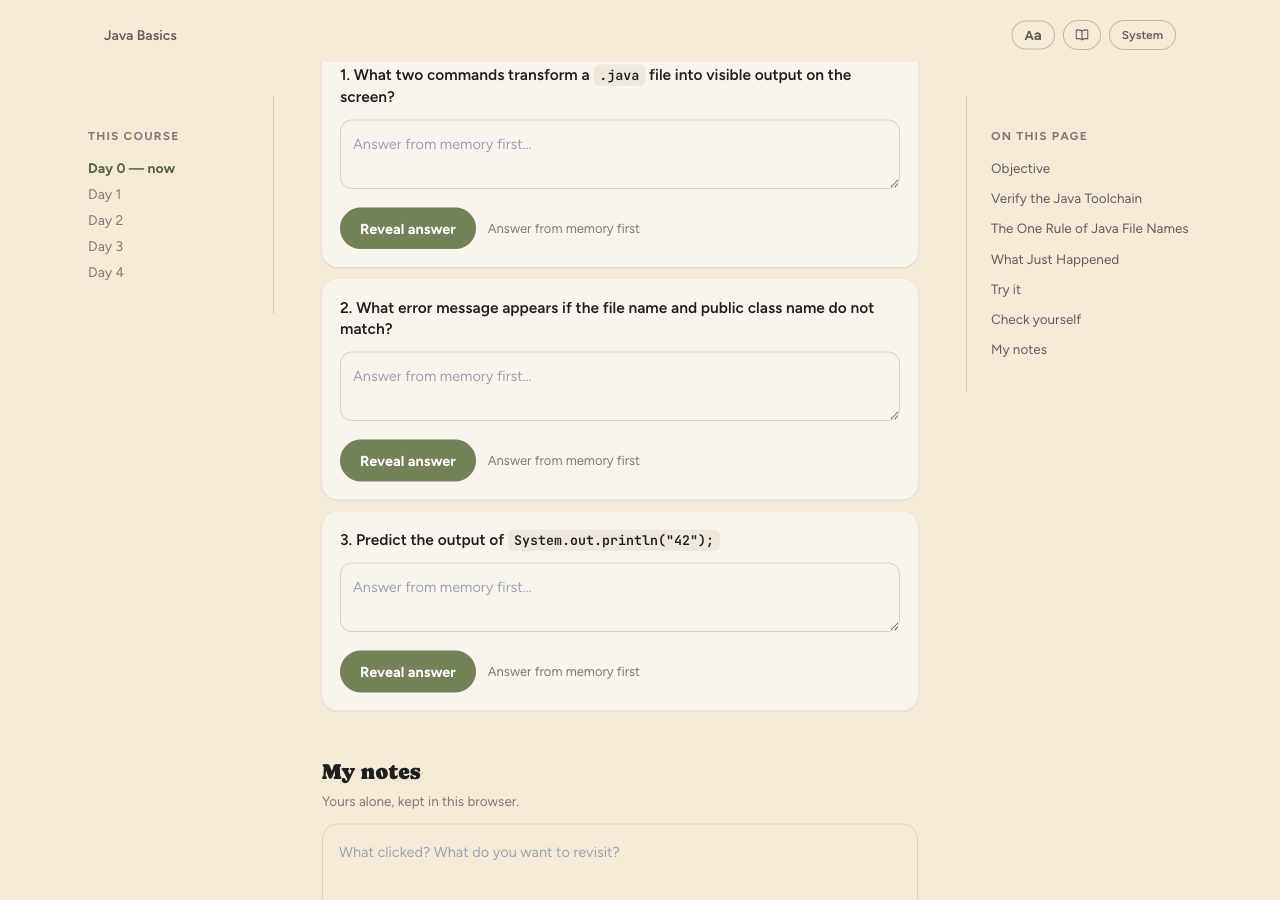
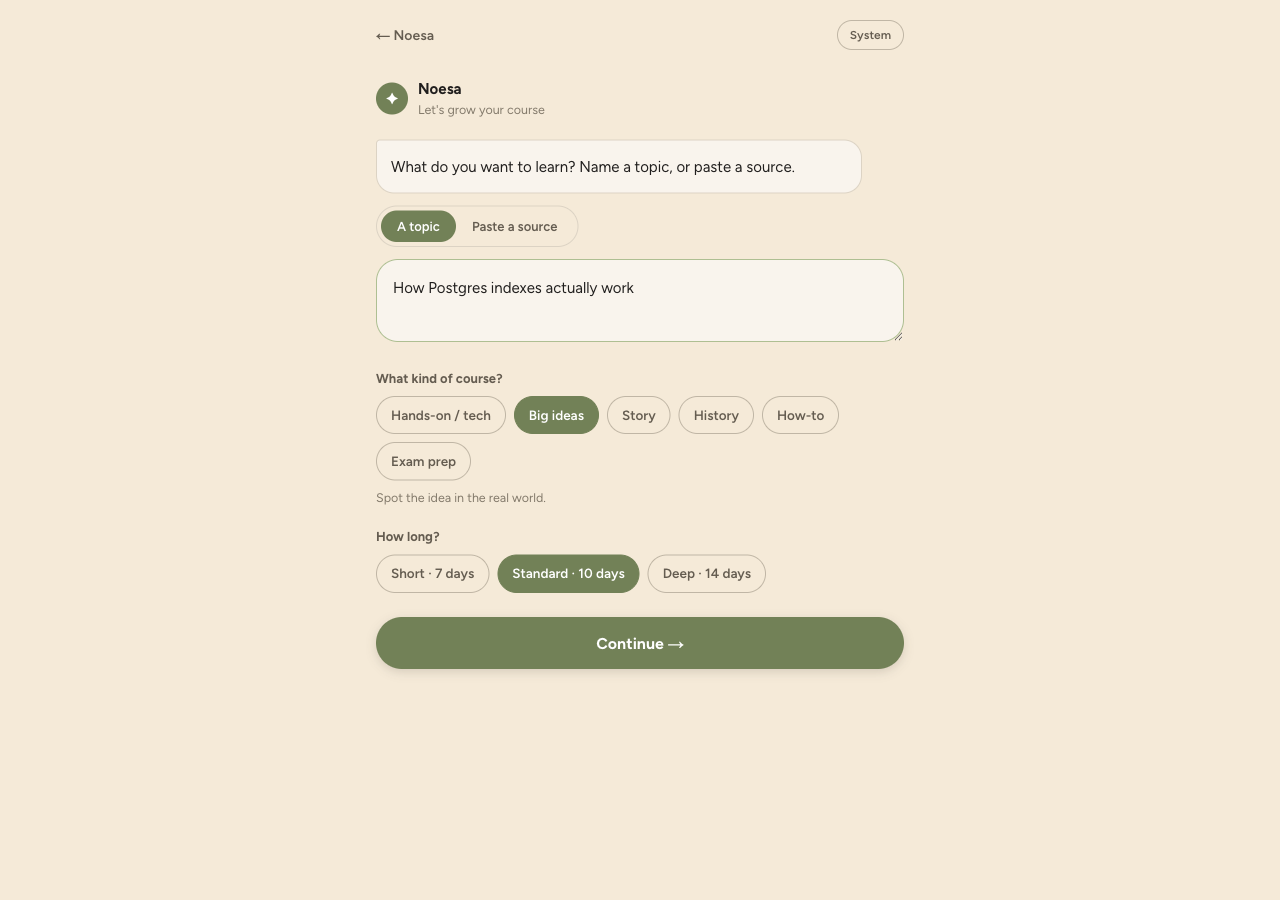
Any topic, book, or PDF — your own course.
Beyond the catalog (SQL Basics, Web Security, Using AI, Statistics, Contracts, and more), you can build your own. Paste a topic, a book, or a PDF and Noesa drafts a structured multi-day course you can review and refine before you start. The Noesa concierge guides you through creating one, and the Noesa tutor is there to answer questions while you learn. Bring your own AI key, or use the free tier. And you're not limited to English — the lessons can be written in your own language, from Spanish and French to Hindi, Tamil, and Chinese.
The same judgment, outside the lesson.
Not all of it lives inside a course. Tells is a public feed of 560 cards — one thing AI gets wrong, as a question you answer before you tap. The Casebook collects thirteen incidents from the public record, where AI helped and where it burned, with every claim sourced: a page about confident wrong answers has no business being one. And Sparring hands you a real task with a flaw planted in it — direct an AI for up to twelve turns, then get a debrief on how you directed it, not what it produced. The first two need no account; sparring does.
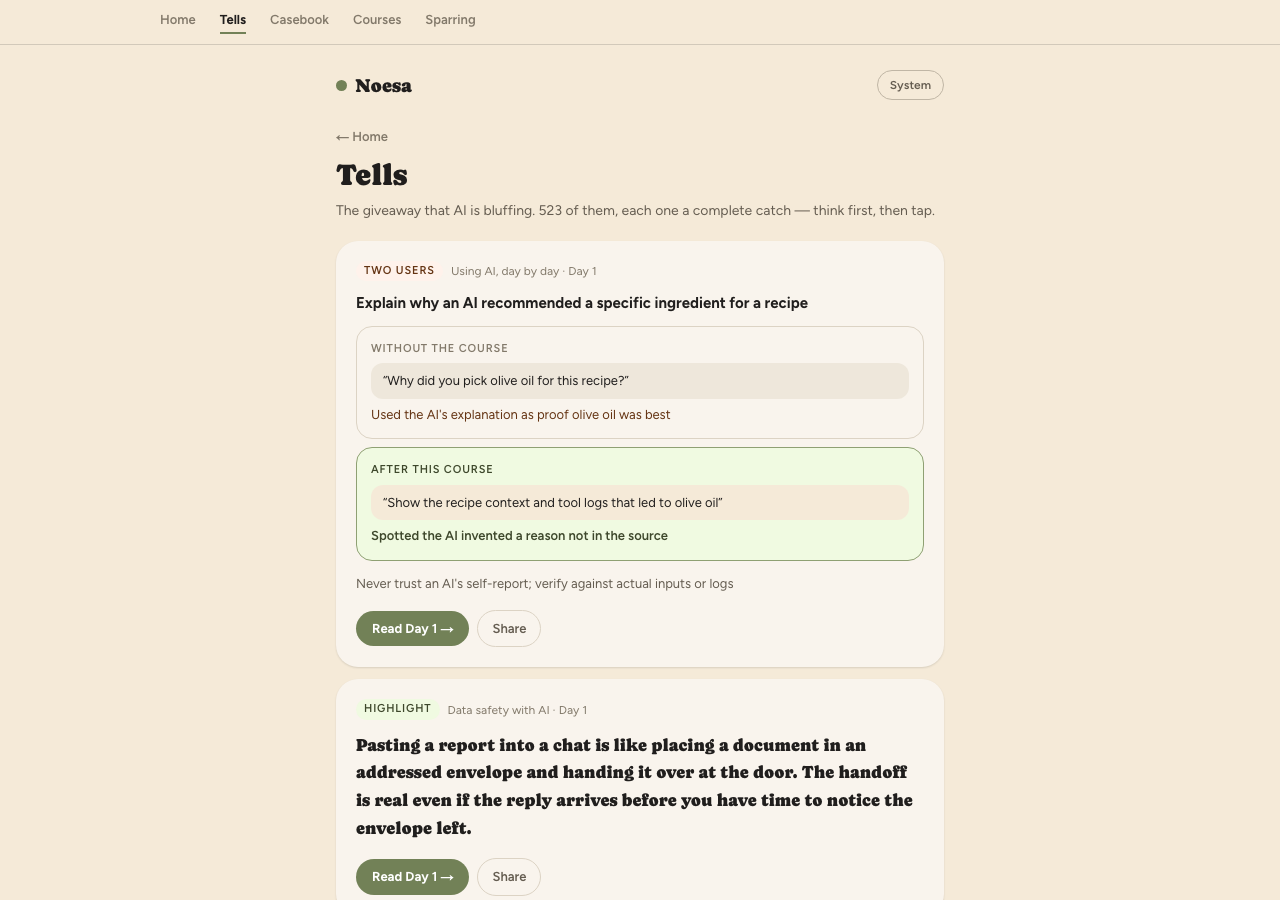
Tells — 560 cards, free to browse. Open the feed →
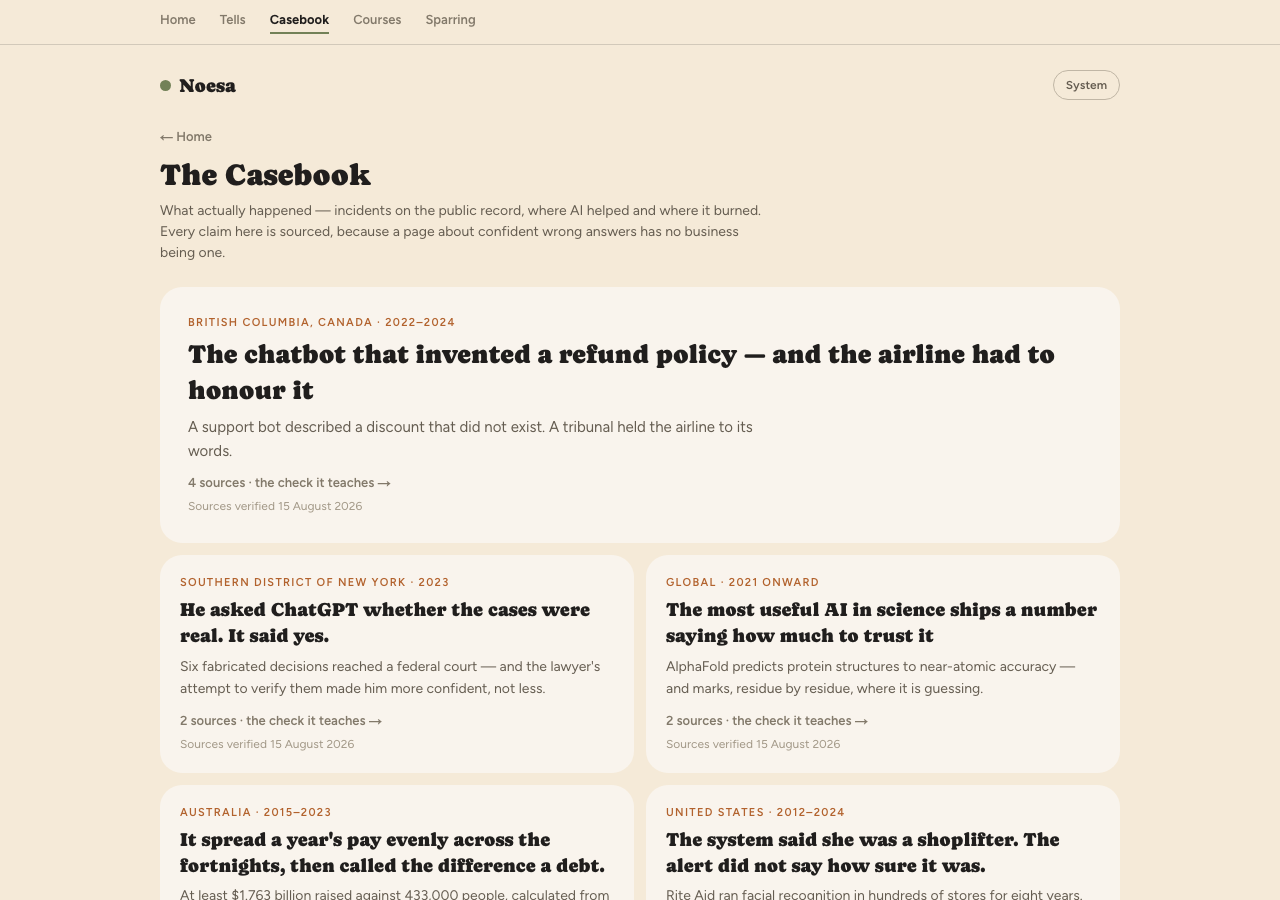
The Casebook — thirteen cases, every claim sourced and dated. Read the cases →
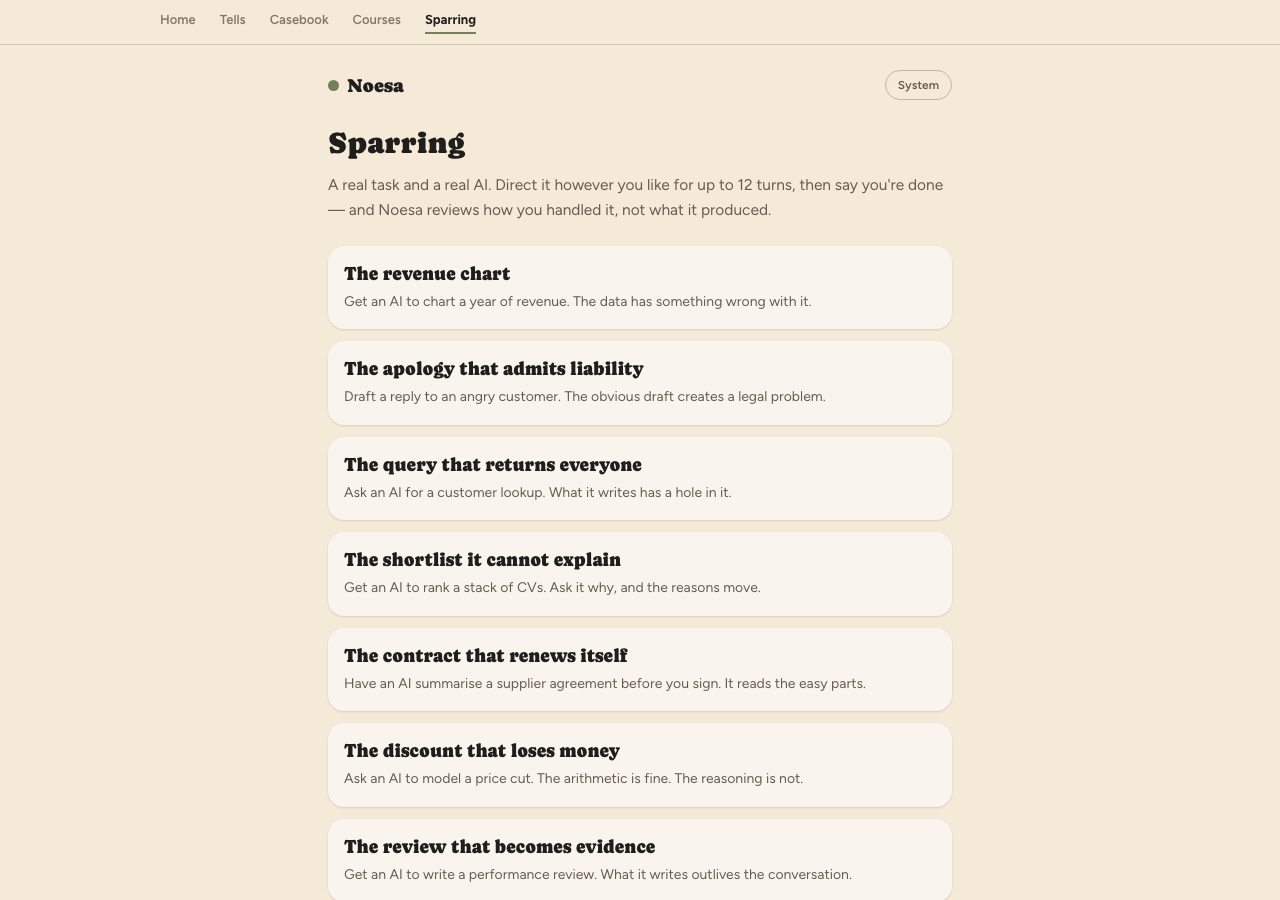
Sparring — eight scenarios, each with something wrong in it on purpose. See the scenarios →
Who it's for
Start in a minute
Go deeper
A few short reads — why daily beats one-off, how the in-browser labs work, how to start, and how your data is handled.