Getting started
From zero to your first lesson.
There's almost nothing to set up. Open Noesa, choose something to learn, and you're into a lesson in about a minute. Here's the whole path — plus how to turn any book into a course of your own.
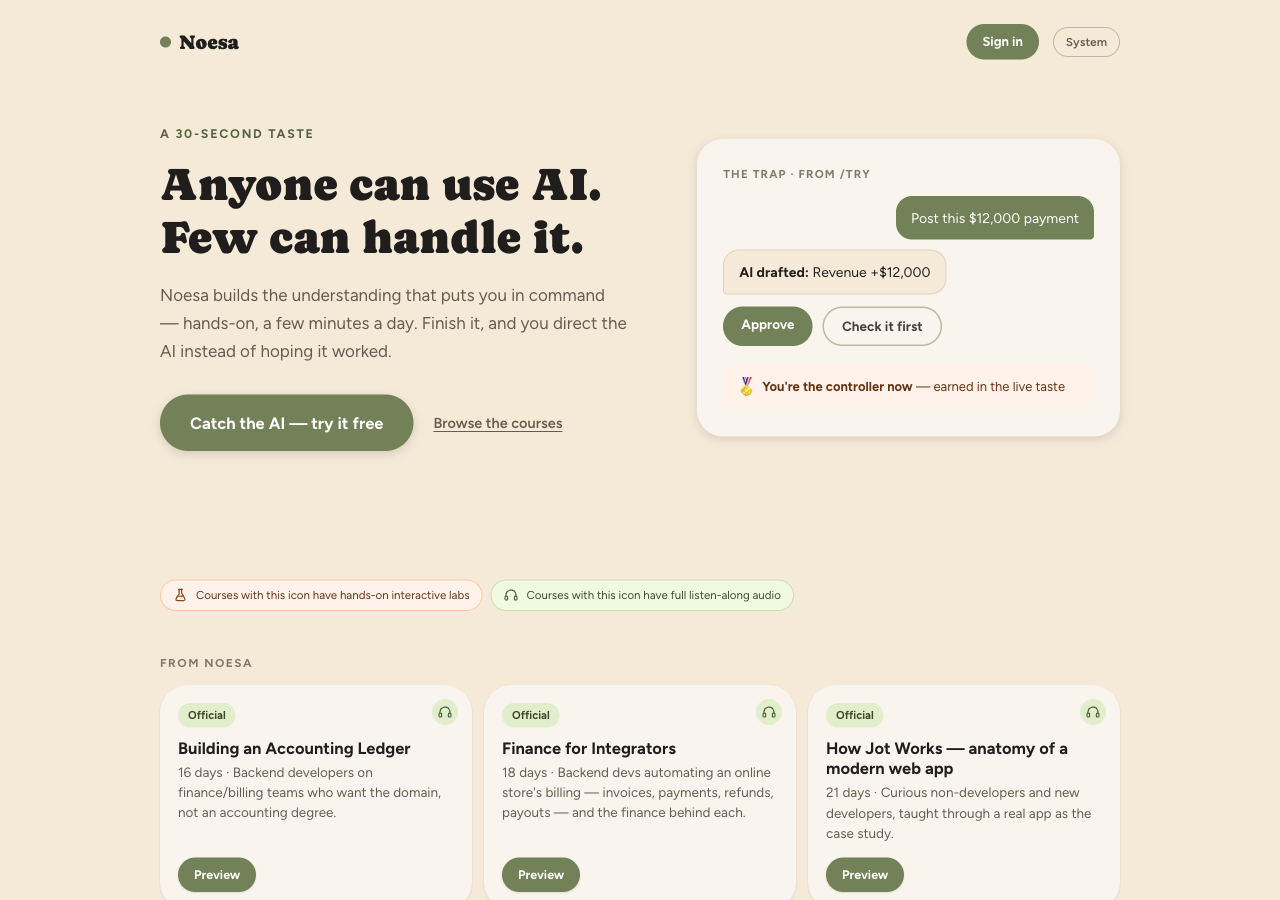
Step 1 · Pick a course, or paste a book
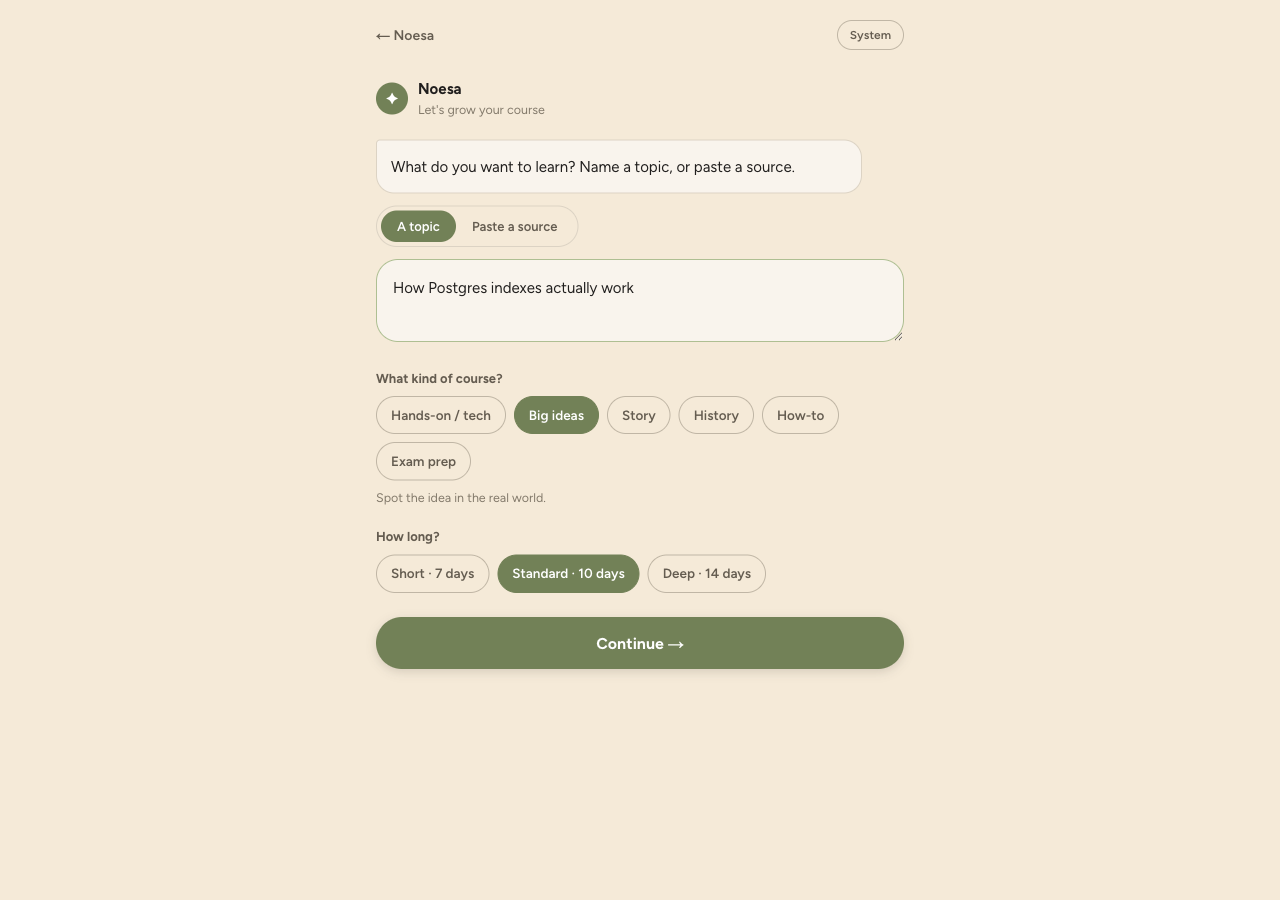
Open Noesa and sign in with LeafSoft — one account works across LeafSoft products. From the home screen you can start a ready-made course from the catalog (Java Basics, SQL Basics, Web Security, Using AI, Finance, and more), or paste a topic, a book, or a PDF and let Noesa build a structured multi-day course for you.
Step 2 · Learn today's lesson
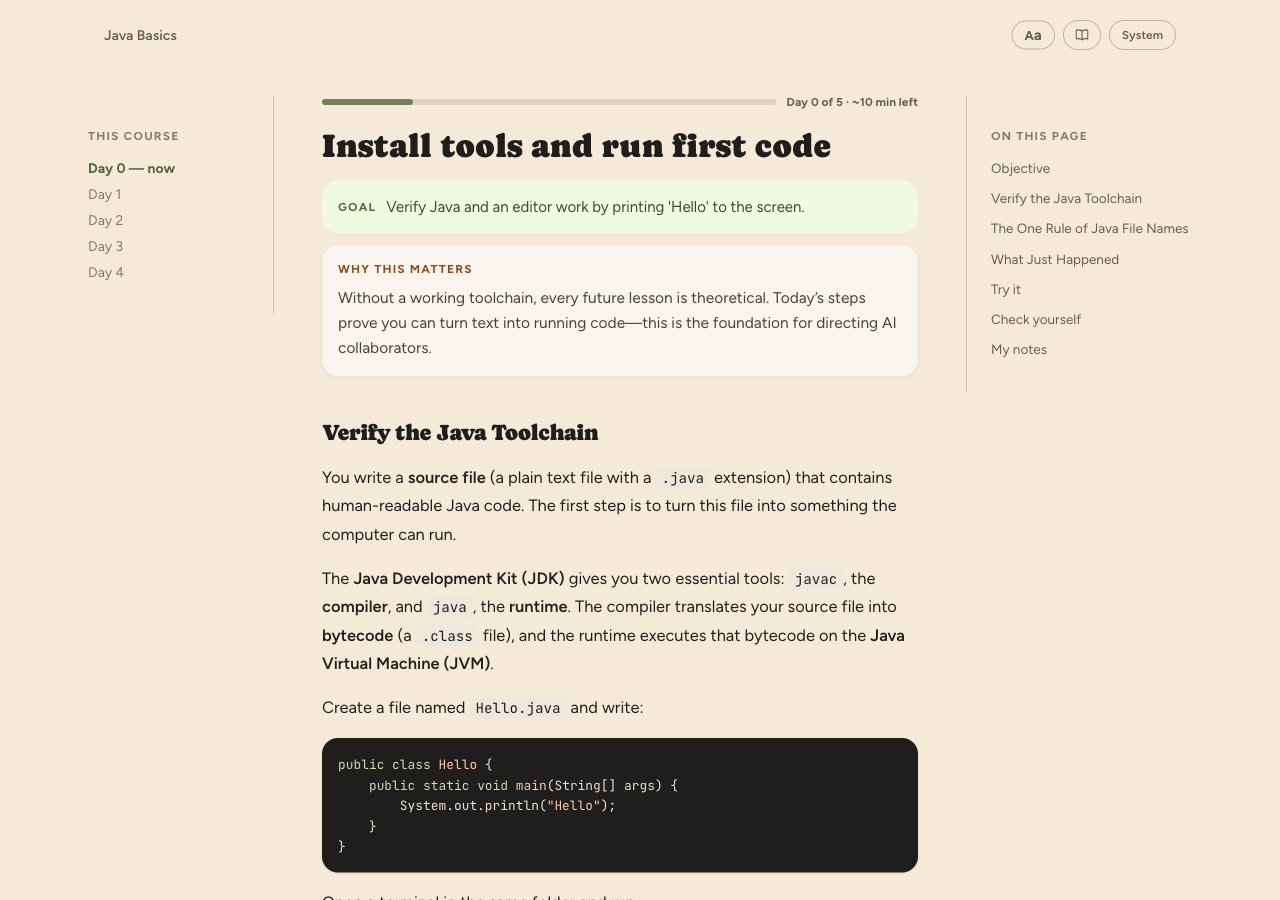
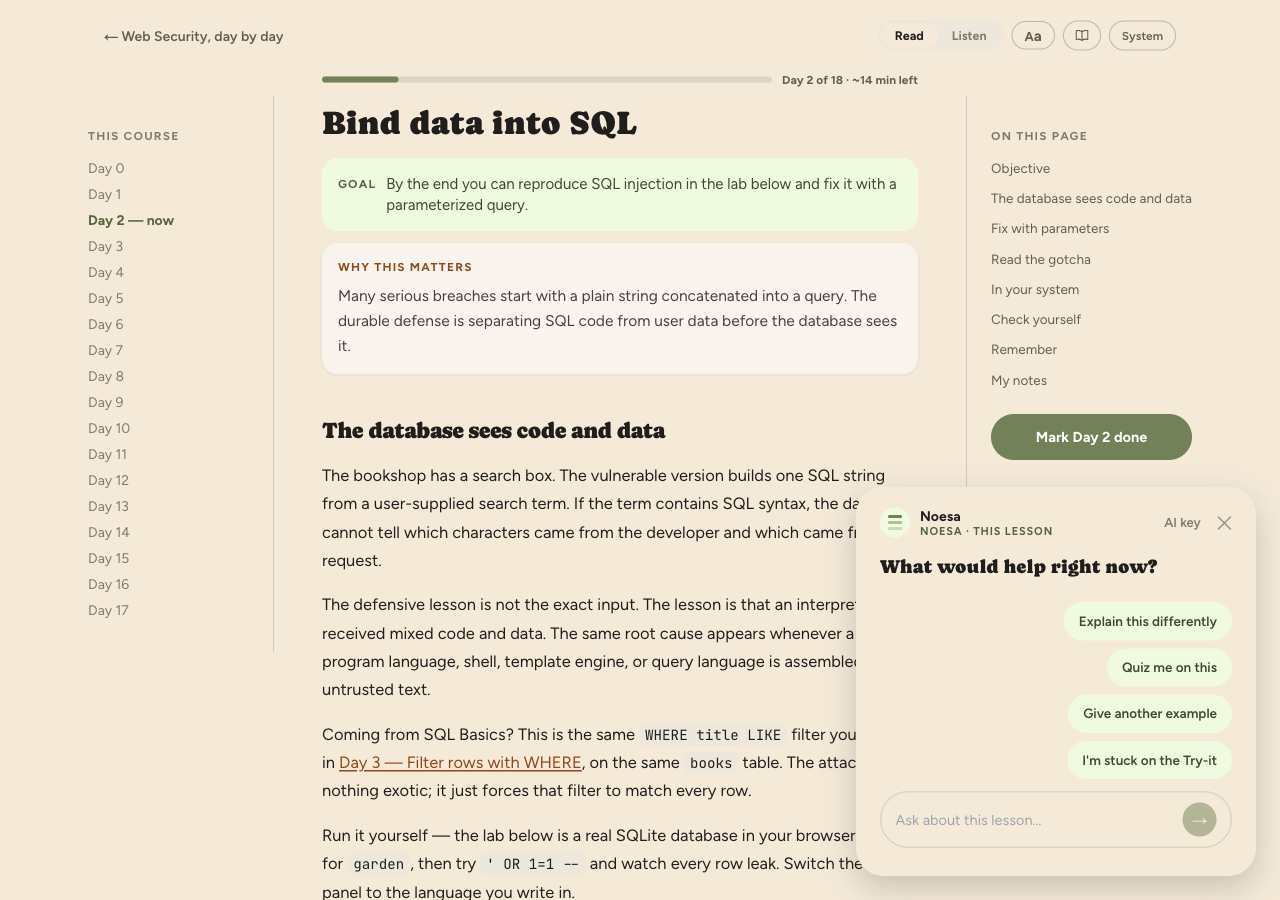
Each day is one focused, ~10–15 minute lesson: a clear goal, a short "why this matters", the material itself, and — on many days — a hands-on lab you run right in the page. You read it one calm screen at a time; nothing is dumped on you at once.
Step 3 · Answer the recall questions
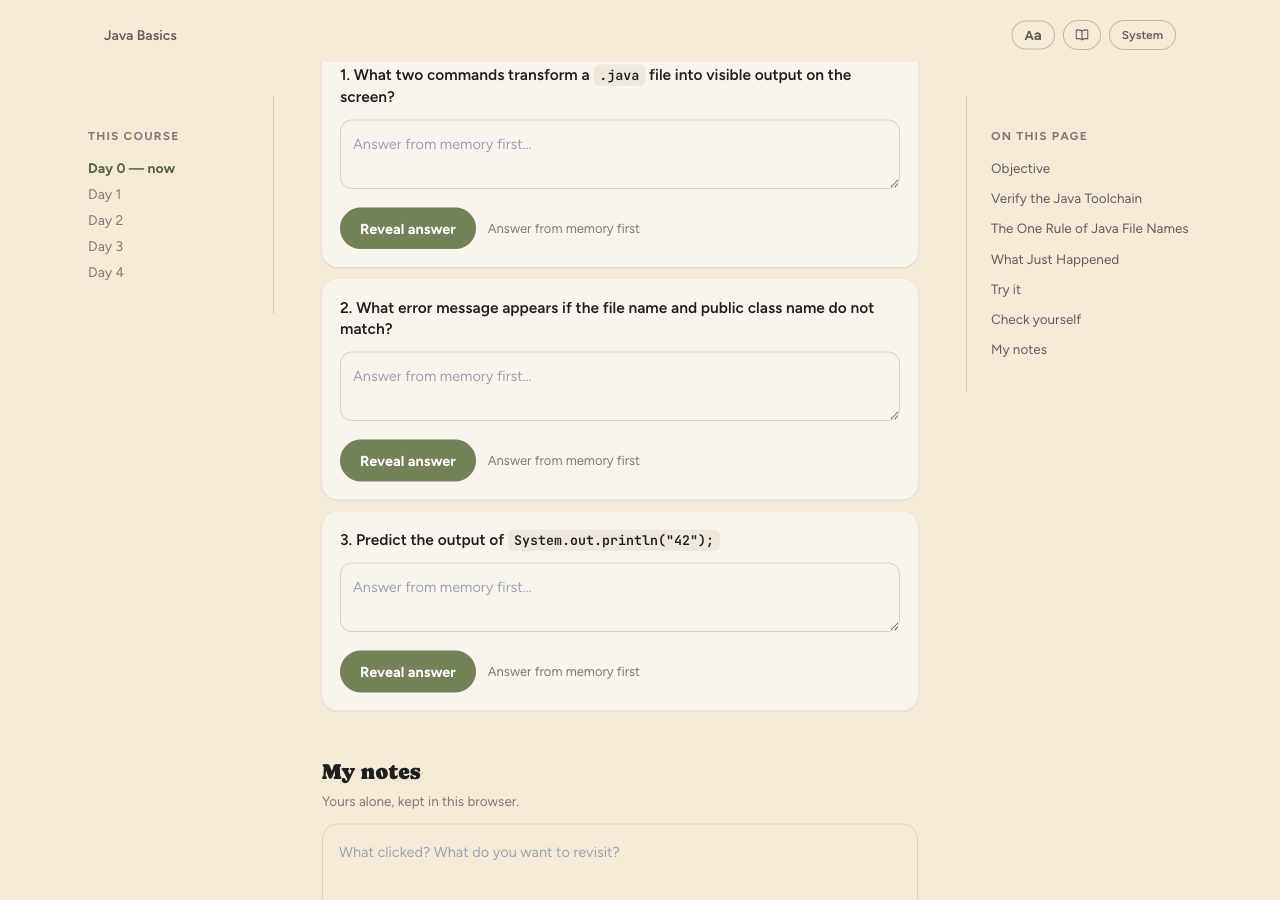
At the end of the day, Noesa asks you to retrieve what you just learned — a few recall questions you answer from memory, then check. This is the part that turns "I read it" into "I know it", so it's built into every day rather than left as optional revision.
Step 4 · Come back tomorrow
Tomorrow the next day unlocks, your streak ticks up, and earlier days resurface on a spaced-review schedule so the important bits come back just as you'd start to forget them. Finish the course and you earn a completion badge. The whole loop is designed to be easy to keep — ten minutes, then get on with your day.
Optional · Add your own AI key
Noesa is free to start. When you want to create unlimited courses of your own, add your own AI key in Settings — the AI then runs under your own provider account. It's stored securely and used only for your courses. Prefer not to? Stay on the free tier and learn from the catalog.
Ask the tutor while you learn
Stuck on a line, or want an example in your own terms? The Noesa tutor sits alongside the lesson so you can ask questions as you go, and the Noesa concierge guides you through creating a course in the first place. It's help exactly where you're learning, not in a separate support site.
Start today's lesson.
Free to start, about ten minutes a day. Pick a course or paste a book and go.