Interactive labs
Learn by doing — right in the browser.
The thing that makes an idea click is doing it, not watching it. So Noesa lessons don't stop at explanation — many hand you a real, hands-on lab that runs in the page, with nothing to install, on phone or laptop. Write the query. Fire the exploit. See what happens.
What an interactive lab is
A lab is a small, self-contained exercise embedded inside a lesson. Instead of a screenshot of code or a video of someone typing, you get a live surface: an editor, a real engine running underneath, and immediate feedback when you try something. It's the difference between reading "SQL injection works by breaking out of the query" and actually typing the payload and watching the query break.
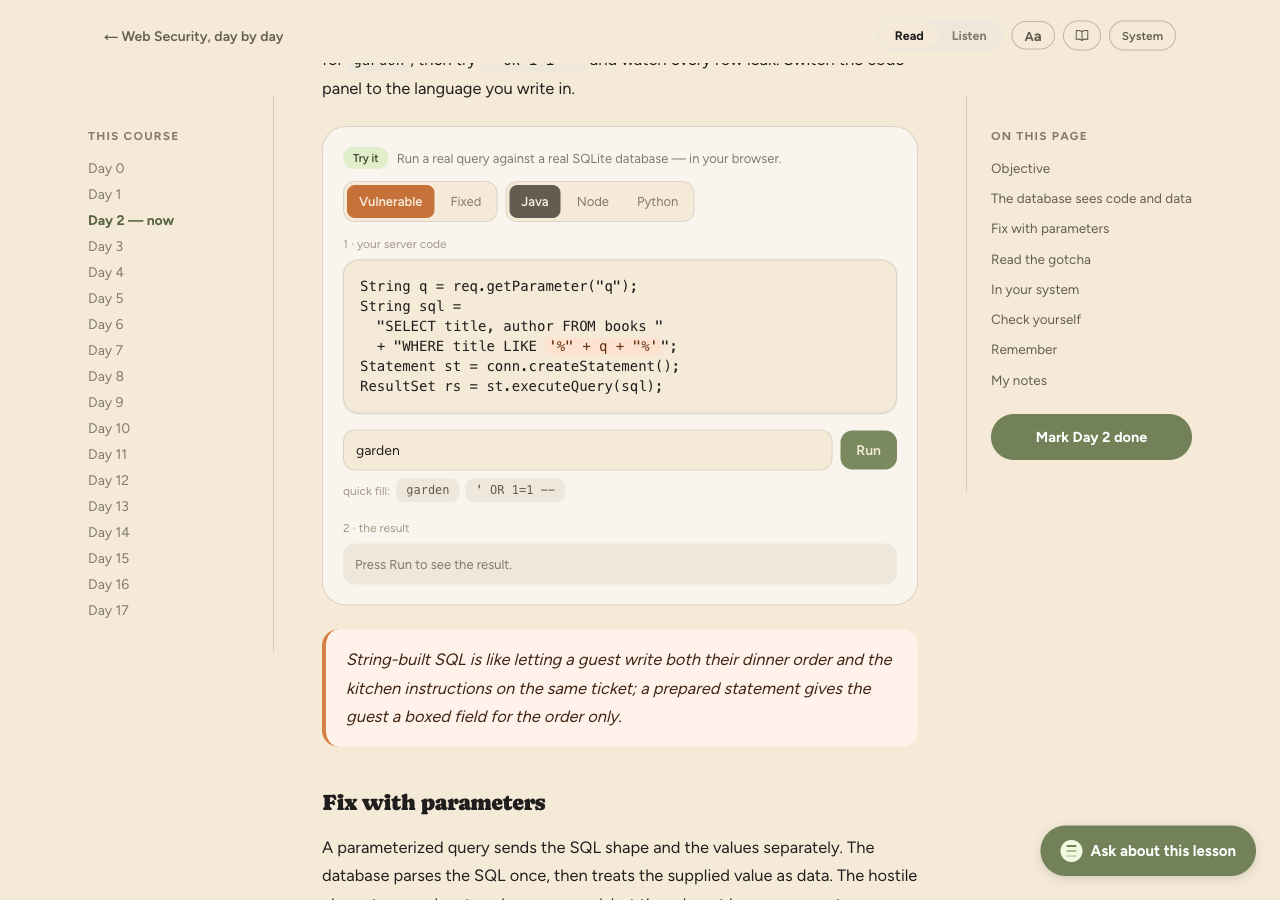
Three real labs
- A real SQLite database runs in your browser via WebAssembly
- Type an injection payload into a vulnerable login and watch it bypass
- See exactly why parameterised queries would have stopped it
- A safely sandboxed iframe stands in for a vulnerable page
- Inject a script payload and watch it execute — contained, never on your data
- Learn how escaping and a content-security policy shut it down
Why doing beats watching
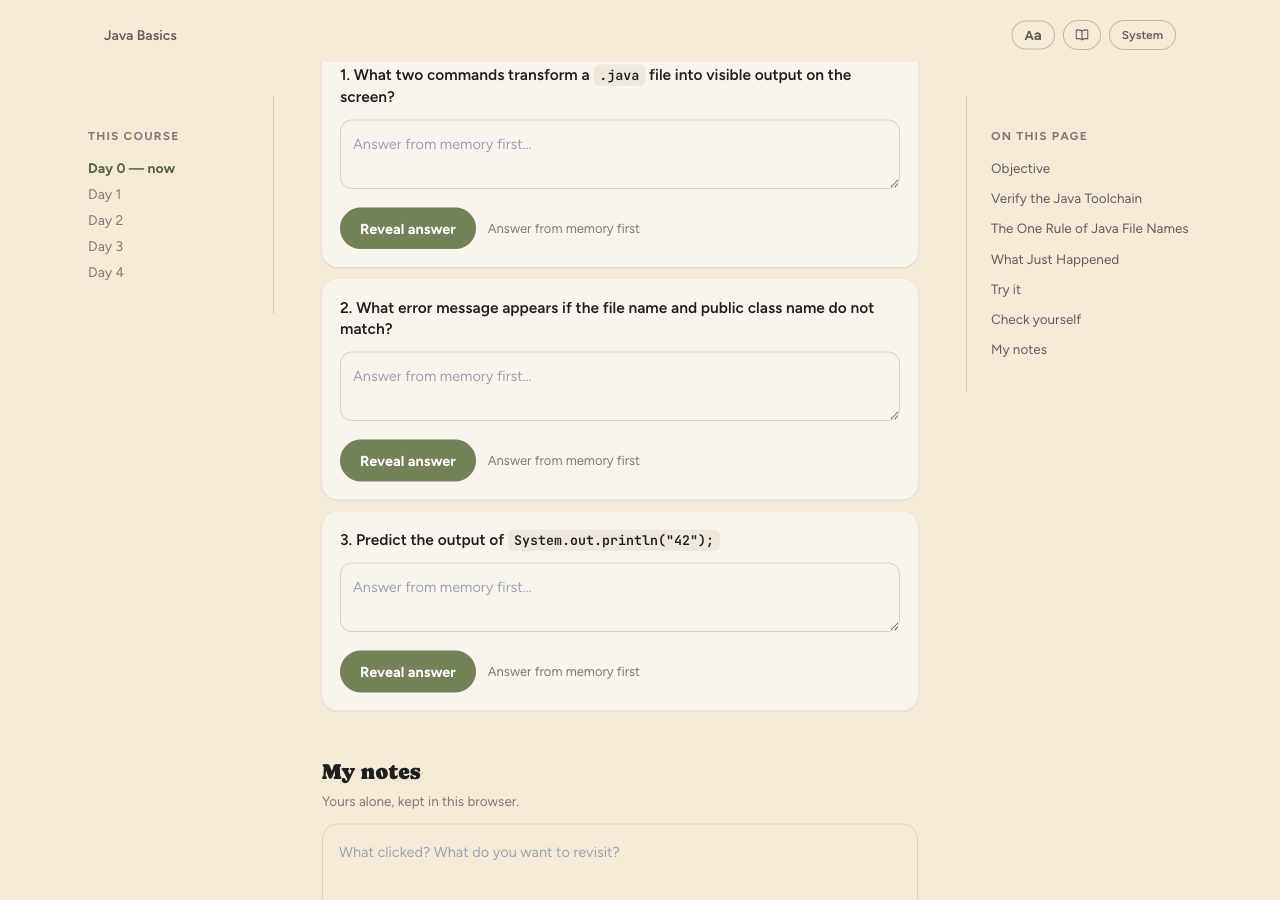
Watching a screencast is passive: it feels productive while almost nothing lands. The moment you have to do the thing — write the query, break the login, fix the escape — your brain switches from recognising to producing, and that's the mode that forms real memory. A lab also fails honestly: if your query is wrong, you see it's wrong immediately, which is worth more than any number of nodding-along minutes.
It pairs directly with the rest of Noesa: the lab is the doing, and the day's recall questions and later spaced review make sure it stays. More on why that combination sticks →
Zero setup, on any device
Normally "try it hands-on" means installing a runtime, cloning a repo, and fighting your environment before you learn anything. Noesa's labs run entirely in the browser — the database and the sandbox execute on your device, so there's nothing to install and nothing to configure. That also means they work on a phone, not just a laptop: you can do a real security lab on the train.
Where labs show up
Labs appear on the days where doing matters most — most visibly in the Web Security course, and in the hands-on SQL material. Not every lesson has one; they're used where practising the skill teaches more than reading about it. Where a lesson doesn't need a lab, it still ends with recall so the day always asks something of you.
Stop watching. Start doing.
Open a course with hands-on labs and try one in your browser — no setup, no install.